Run with Docker Compose
With .env populated and the service-account JSON in place, the install runs from published Docker Hub images:
services:
  core:
    image: ryoraplatforms/aris-core:<version>
  web:
    image: ryoraplatforms/aris-web:<version>
Use the version supplied in your ARIS release notes. Production and air-gapped installs should pin the image digest, for example ryoraplatforms/aris-core:1.2.3@sha256:<digest>.
Bring everything up
From the directory containing your ARIS compose file:
What that does, in order:
- Pulls
ryoraplatforms/aris-core:<version>andryoraplatforms/aris-web:<version>from Docker Hub. - Starts Postgres and waits for the healthcheck (
pg_isready) to pass. - Starts core, which:
- applies the
0001_auth_identitymigration to the empty database, - opens a
pgxpool.Pool, - constructs the Google client (validates the service-account JSON at this point),
- kicks off the boot sync — pulls every Workspace user + admin/auditor group memberships and writes them to the identity tables,
- listens on
:8080.
- applies the
- Starts web, which serves the Next.js UI on
:3001.
If you are evaluating from a source checkout instead of an ARIS release package, the repository compose.yml still supports local builds with docker compose up --build. Do not use locally built :dev images as the production deployment source.
The first boot sync takes 5–60 seconds depending on directory size. While it runs, core is already serving — but logging in as any user that hasn't been synced yet returns UnknownIdentity. Wait until you see directory.sync.run report ... in the core log before trying to log in.
What success looks like
Once compose settles, open http://localhost:3001 in a browser. If everything wired up cleanly, you'll land on the ARIS login page:
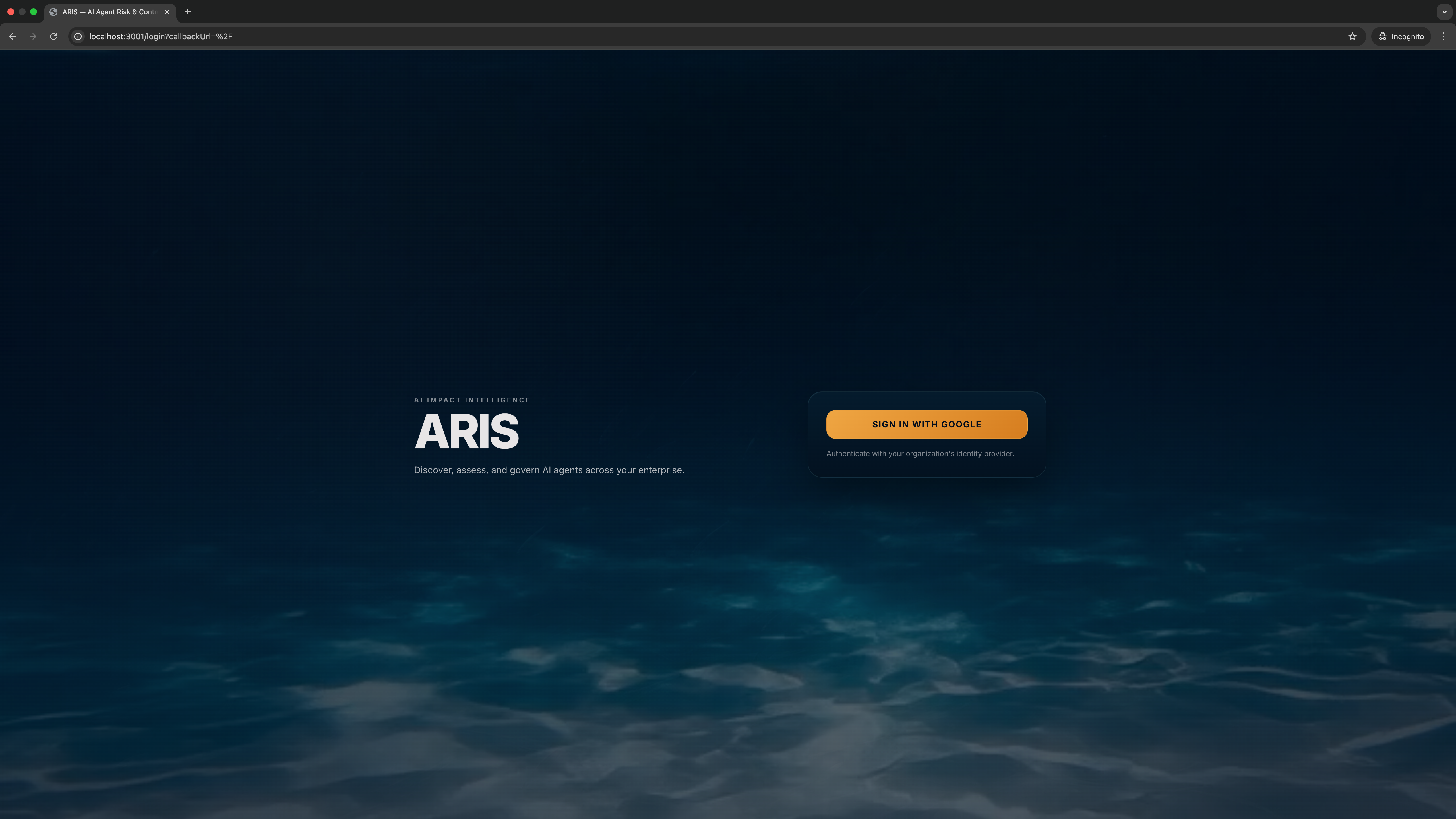
If you see this, the web container is up, the middleware redirected an unauthenticated request to /login, and the Google OIDC integration is configured. Click Sign in with Google to continue to First login.
If you see something else — a connection refused, a 502, a styled-but-broken page — work through the CLI checks below to pinpoint which container is unhappy, then Troubleshooting.
Verify each container
In another shell, check the gates one by one.
Postgres is up:
docker compose exec db pg_isready -U aris -d aris
# /var/run/postgresql:5432 - accepting connections
Core is healthy:
Core has finished a sync:
You should see one line like directory.sync.run report persons_upserted=N ... per completed sync run. The boot sync runs once at startup; subsequent runs follow ARIS_DIRECTORY_SYNC_INTERVAL (default 1h).
Web is up:
Run detached (long-lived)
For day-to-day operation, run in the background:
Use docker compose up -d --build only for source-checkout evaluation builds.
Tail the logs:
Stop everything:
The Postgres data volume (aris-db) survives down. To wipe it (for a clean re-install):
down -v deletes the database
Every operator session, every directory snapshot, every staged identity row goes with it. Only do this on a deployment you intend to re-bootstrap.
What you should see in the logs
A successful first boot looks roughly like:
db    | LOG:  database system is ready to accept connections
core  | {"level":"INFO","msg":"migrations applied","count":1}
core  | {"level":"INFO","msg":"directory.sync.run start"}
core  | {"level":"INFO","msg":"directory.sync.run report","persons_upserted":42,"identities_upserted":42,"employments_opened":42,"errors":0}
core  | {"level":"INFO","msg":"listening","addr":":8080"}
web   | ▲ Next.js 15.5.15
web   |   - Local:        http://localhost:3000
web   |   ✓ Ready in 280ms
If anything looks different — especially errors during the sync run — see Troubleshooting.
Next: First login →